


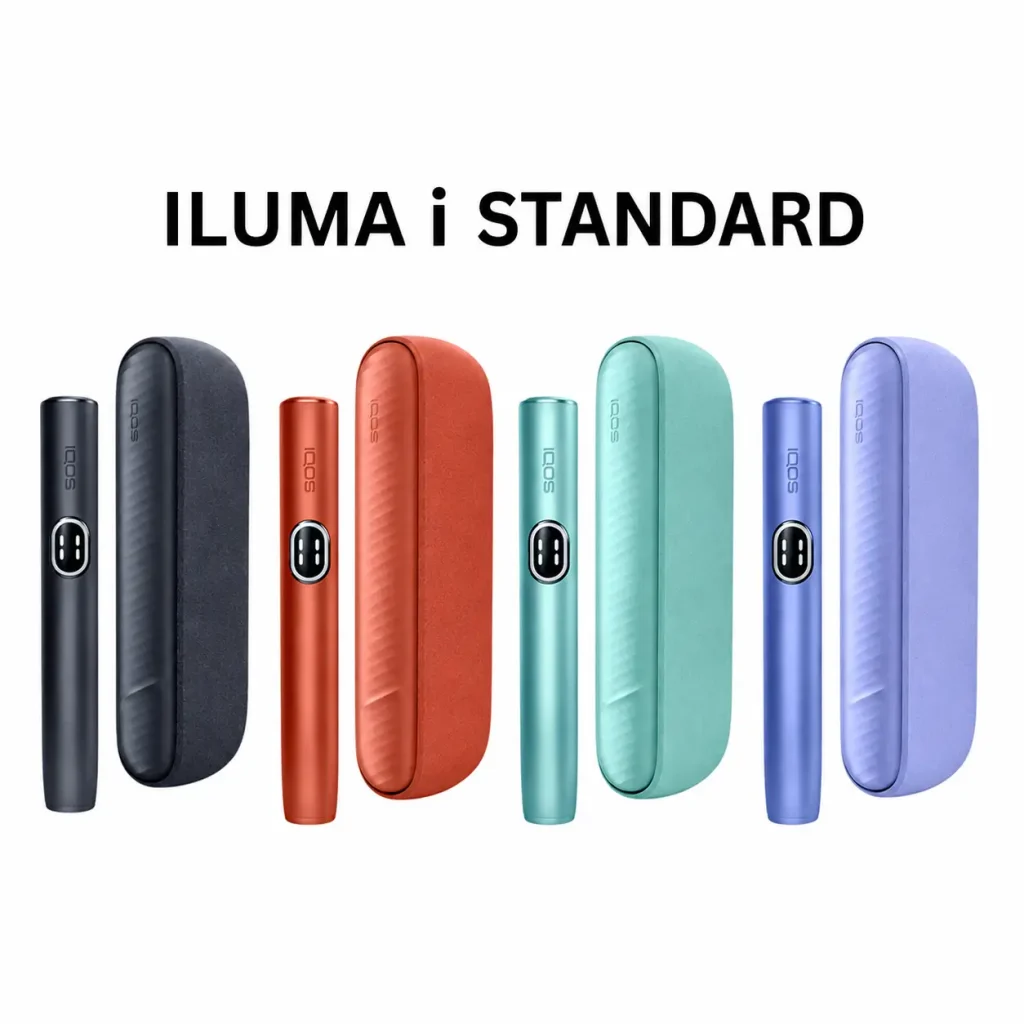
IQOS ILUMA charging takes about 135 minutes for the two-piece models (ILUMA, ILUMA PRIME, ILUMA i and ILUMA i PRIME) and about 90 minutes for the all-in-one ILUMA ONE and ILUMA i ONE. A full pocket charger gives up to 20 uses. Only the ILUMA i and ILUMA i PRIME have Pause Mode. None of the ILUMA devices has a blade, so there is no blade to clean.
Figures below come from official IQOS support pages and user guides. For help choosing a device, see our IQOS ILUMA i range, ILUMA ONE, ILUMA Standard and ILUMA PRIME kits.
IQOS ILUMA Charging Time, Uses per Charge and Pause Mode by Model
| Model | Full charge time | Uses per full charge | Uses in a row from the holder | Pause Mode |
|---|---|---|---|---|
| IQOS ILUMA i PRIME | About 135 min | Up to 20 | Up to 3 (Performance Mode, no pause) | Yes, up to 8 min |
| IQOS ILUMA i | About 135 min | Up to 20 | Up to 3 (Performance Mode, no pause) | Yes, up to 8 min |
| IQOS ILUMA i ONE | About 90 min | Up to 20 | All-in-one, no separate holder | No |
| IQOS ILUMA PRIME | About 135 min | Up to 20 | 2 | No |
| IQOS ILUMA (Standard) | About 135 min | Up to 20 | 2 | No |
| IQOS ILUMA ONE | Up to 90 min (at least 75 min) | Up to 20 (our product pages) | All-in-one, no separate holder | No |
Sources: IQOS UAE first-steps guides for ILUMA i PRIME, ILUMA i, ILUMA i ONE, ILUMA PRIME, ILUMA and ILUMA ONE. The 20-use figures for the ILUMA i range come from the IQOS UAE shop pages for ILUMA i, ILUMA i PRIME and ILUMA i ONE. IQOS UK lists the ILUMA i ONE without Pause Mode on its ILUMA range page. We found no official uses-per-charge figure for the original ILUMA ONE, so that row uses our product listings.
Some of our ILUMA i product pages quote “90 to 135 minutes”. IQOS states about 135 minutes for the ILUMA i pocket charger, so use that figure.
How to Charge IQOS ILUMA Step by Step
Two-piece models (ILUMA, ILUMA PRIME, ILUMA i, ILUMA i PRIME)
- Press and hold the pocket charger button for 4 seconds to switch it on.
- Place the holder inside the pocket charger and close the door or wrap.
- Connect the USB-C cable to the pocket charger and to a wall adaptor.
- Leave it for about 135 minutes for a full charge. The strip lights pulse while charging.
- Press the pocket charger button to check progress. All four strip lights solid white means full on the ILUMA i models.
If the battery was fully drained, the first light can take a while to appear. IQOS says a deeply discharged ILUMA or ILUMA PRIME pocket charger can take up to 20 minutes to show a light pattern. On the ILUMA i range, the first light blinks yellow, then turns white once the charge passes 7%.
All-in-one models (ILUMA ONE, ILUMA i ONE)
- Plug the USB-C cable straight into the device.
- Leave the ILUMA i ONE for about 90 minutes. IQOS says the ILUMA ONE needs at least 75 minutes and up to 90 minutes from empty.
- Check the lights. On the ILUMA i ONE, 1 light is 25%, 2 is 50%, 3 is 75% and 4 is 100%. On the ILUMA ONE, all lights stay solid white when full and then turn off.
IQOS recommends charging daily. The holder of a two-piece kit recharges every time you put it back in the pocket charger. For deeper battery problems, read our guide to battery charging issues with IQOS ILUMA i devices.
Can You Use a Phone Charger or Any USB-C Cable?
The ILUMA range charges over USB-C. IQOS tells users to charge with the manufacturer-approved cable and power adaptor. The ILUMA user guide lists the approved IQOS adaptor output as 5V, 2A. IQOS does not approve generic phone chargers, so a phone charger is at your own risk. If charging feels slow, the IQOS ILUMA self-diagnosis page says to switch to the IQOS adaptor and cable first.
Do not charge an ILUMA holder in an older IQOS pocket charger, or the reverse. The ILUMA user guide says they are not compatible with IQOS 2.4, 2.4 PLUS, 3 or 3 DUO.
How to Pause and Resume IQOS ILUMA i (Pause Mode)
Pause Mode works only on the ILUMA i and ILUMA i PRIME. It must be switched on in the IQOS app, together with Performance Mode. IQOS explains the steps on its ILUMA i troubleshooting page:
- Start a session. Two short vertical lines at the top of the touch screen mean Pause is available.
- Within the first 3 minutes or 8 puffs, swipe DOWN across the whole touch screen. Four vertical lines confirm the pause.
- To resume, swipe UP across the whole screen and wait for preheating. A vibration tells you it is ready.
A pause lasts up to 8 minutes. After that, the holder switches off. You can pause once, in the first or second use in a row. FlexPuff does not activate in a paused session. If the swipe does not cover the full screen, the pause will not start.
Does IQOS ILUMA Need Cleaning?
No internal cleaning is needed. IQOS describes the ILUMA i as having “no heating blade, no tobacco residue, no cleaning” because the SMARTCORE INDUCTION SYSTEM heats the stick from inside. IQOS UK confirms on its ILUMA support guide that ILUMA devices do not need internal cleaning like older blade models. You still need to look after two areas.
How to clean IQOS ILUMA without a cleaning kit
- USB-C port: blow gently into the port to clear dust. The user guide asks you to clean it from time to time and check it before plugging in.
- Holder and charger contacts: wipe them with a soft, dry cloth. Dirty contacts are a common reason a holder charges slowly.
- Broken stick: if a TEREA stick breaks inside an ILUMA ONE, IQOS suggests a toothpick to lift out the piece.
- What to avoid: the ILUMA user guide says not to clean the device with any cleaning agent. Keep it away from liquids.
UAE dust and heat make the port check more important. Our guides to IQOS ILUMA charging port issues and ILUMA care and maintenance go further.
How to Reset IQOS ILUMA, ILUMA ONE and ILUMA i
| Model | Reset steps (per IQOS) |
|---|---|
| ILUMA, ILUMA PRIME, ILUMA i, ILUMA i PRIME | Put the holder in the pocket charger. Hold the pocket charger button for 10 seconds, then release. The lights go off and come back on to confirm. |
| ILUMA i ONE | Hold the ON/OFF button for 10 seconds. The lights fade in, blink twice fast, then show the charge level. |
| ILUMA ONE | Hold the button for 7 seconds, then release. All lights turn off, blink twice and turn on. |
Sources: IQOS ILUMA self-diagnosis, ILUMA i ONE troubleshooting and ILUMA ONE self-diagnosis. The printed ILUMA ONE guide mentions 10 seconds, so hold a little longer if 7 seconds does not work. If a red light keeps blinking after a reset, IQOS says to contact its customer care.
What to Do If IQOS ILUMA Stops Heating
- Check the battery. A “0” flashing three times on the ILUMA i screen means the holder is empty. A yellow blinking light on other models means low battery.
- Check the temperature. White lights blinking mean the device is outside its range. IQOS gives 0 to 40°C for the ILUMA ONE. Warm a cold device in your hand, or move out of the sun.
- Check the stick. ILUMA only starts with TEREA or SMARTCORE sticks. A used stick will not give real aerosol. Browse TEREA flavors if you need fresh packs.
- Clean the contacts and port. Then put the holder back in the charger until at least one holder light is solid white.
- Reset. Follow the reset table above.
Our guide to common IQOS ILUMA LED light errors explains each signal in more detail. If you also use a JUUL, our sister guide on JUUL 2 troubleshooting covers that device.
IQOS ILUMA Warranty Basics
IQOS UAE lists a 1 year IQOS warranty for each ILUMA and ILUMA i model on its warranty page. The ILUMA i PRIME gets 1 extra year when registered within 30 days of purchase. IQOS covers factory defects. It does not cover battery performance loss, normal wear, accidental damage or use against the user guide. Proof of purchase may be required, so keep your order confirmation. For help with an order from Pods Hub Dubai, contact us or WhatsApp +971 52 618 1244.
Frequently asked questions
How long does IQOS ILUMA take to charge?
IQOS ILUMA takes about 135 minutes to fully charge the pocket charger on the ILUMA, ILUMA PRIME, ILUMA i and ILUMA i PRIME. The all-in-one ILUMA i ONE takes about 90 minutes. The ILUMA ONE needs at least 75 minutes and up to 90 minutes from empty, according to IQOS.
How many uses do you get per charge on IQOS ILUMA?
A fully charged pocket charger gives up to 20 uses on the ILUMA, ILUMA PRIME, ILUMA i and ILUMA i PRIME. The ILUMA i ONE also gives up to 20. The holder alone gives 2 uses on older models and up to 3 on the ILUMA i range in Performance Mode without a pause.
Can you use IQOS ILUMA while charging?
On two-piece models, yes in practice: you take the holder out and use it while the pocket charger sits on the cable. IQOS notes you can charge the pocket charger and holder together with its approved adaptor. IQOS does not describe using the all-in-one ONE models while plugged in, so we suggest charging first.
Can I charge IQOS ILUMA with a phone charger?
IQOS ILUMA uses a USB-C cable, but IQOS tells users to charge only with its approved cable and adaptor. The approved adaptor outputs 5V, 2A. A phone charger may connect, but IQOS does not approve it. If charging is slow or fails, switch to the IQOS adaptor before anything else.
How do I know when my IQOS ILUMA is fully charged?
On the ILUMA i, ILUMA i PRIME and ILUMA i ONE, all four strip lights turn solid white at 100%. On the ILUMA and ILUMA PRIME, the status bar is fully lit. On the ILUMA ONE, all lights stay solid white and then turn off. Press the button to check the level at any time.
How do I unpause my IQOS ILUMA i?
Swipe UP across the entire touch screen, then wait for preheating to finish. The holder vibrates when it is ready. You must resume within 8 minutes, or the holder switches off. Pause Mode is only on the ILUMA i and ILUMA i PRIME, not the ILUMA i ONE or older ILUMA models.
How do I clean IQOS ILUMA ONE without a kit?
The ILUMA ONE has no blade, so it needs no internal cleaning. Blow gently into the USB-C port to clear dust and wipe the outside with a soft, dry cloth. Remove a broken stick piece with a toothpick, as IQOS suggests. Do not use any cleaning agent or liquid.
How do I reset IQOS ILUMA ONE?
Press and hold the ILUMA ONE button for 7 seconds, then release. All status lights turn off, blink twice and turn on to confirm the reset. The printed guide says 10 seconds, so hold longer if needed. If a red light keeps blinking afterwards, contact IQOS customer care.
Is the IQOS warranty valid worldwide?
IQOS UAE says registered devices can get International Assistance for device defects when you travel to countries where IQOS operates, during the warranty period. The standard cover is 1 year. Terms differ by model and country, so check the IQOS warranty page before you travel.